
 For content creators, brands and marketing teams
Free video editor for Mac, with AI Post every day without living in the editor.
A professional timeline, automatic captions and one click for every network. Your AI builds the first cut; you add the touch that makes people stay.
Free account · No card · Delivered on launch day
- Free to edit
- 35 tools for your AI
- Español · English · עברית
Whether or not you edit, the video gets made.
MCP is an open standard that connects your AI to the app's real tools, like a universal plug. You talk normally; your assistant picks the tool, uses it and leaves you a result ready to edit.
Make me a short video with the event photos and upbeat music, for Instagram.
Video·Uses the app's tools
Waiting for instructions from your AI…
- import_media
- add_clip
- add_transition
- export_social
20-second reel ready for Instagram.
Tell it what story you want and your AI builds the cut, captions and music. You decide if you like it.
Ask it for the mechanical steps, like cutting on markers, color and exporting formats, and spend your time on pacing.
The connection is free and you set it up once. You pay for your AI with your own account; everything it does stays editable in the app.
Recording takes minutes. Editing eats the afternoon.
From raw footage to reel, in a single instruction.
Your assistant uses Video's 35 tools: import, cut, caption, add titles and transitions, and export every format. You check the pacing and approve.
What it does in the app, with the connector's real tools:
import_mediainterview.movadd_clip00:42 → 01:12captionsauto · active wordadd_titleWhat if day one…?export_social9:16 · 4:5 · 16:9
Before
- Watch everything looking for the good part
- Transcribe and sync captions
- Reframe for each network
- Export and wait, three times
With Video + your AI
- Tell it what story to tell
- Adjust the pacing
- Post everywhere
You stay in charge: everything stays editable, and if you don't want AI, everything works by hand.
What you'll be able to do
Built for the pace of social media
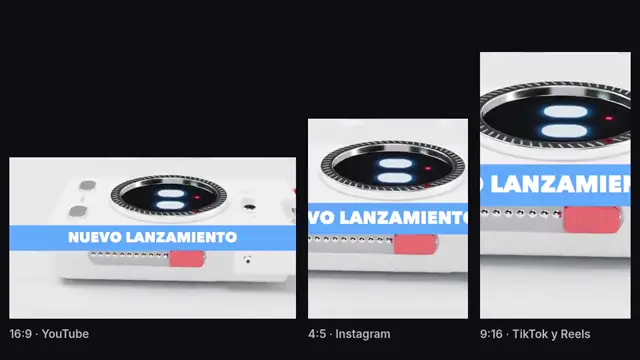
24 formats for 9 networks
With automatic reframing: your subject stays centered in each one.Captions that hold attention
Automatic in Spanish, with the active word highlighted.Agency finish
82 transitions, 57 effects, titles and lower thirds ready to go.What everyone asks before saying “I want it”
What is Video Meier Studio?
It's a video editor for Mac with a professional timeline, automatic captions with the active word highlighted, 82 transitions, 57 effects and export in 24 formats for 9 networks with automatic reframing. It connects over MCP to your AI, which uses its 35 tools to build the first cut.
Is it an alternative to CapCut or Premiere?
For reels, interviews and brand content it covers what gets used most — cuts, captions, titles, transitions and formats per network — and processes everything on your Mac, without uploading your footage. The difference: your AI can make the first cut for you.
Do I need a powerful computer?
Video is a Mac app. Cuts, captions and exports run on your machine, without uploading your footage anywhere.
Does the AI decide how my video looks?
No. Your AI proposes the first cut with the app's tools; everything stays on the timeline for you to change.
Is it really free?
Yes. The account and every editing tool are free. You only pay if one day you want Iris to generate images, video, voice or music with Meier Credits, at the provider's cost. It's optional.
Do I need to know about AI?
No. If you already use Claude or another MCP-compatible assistant, you connect it in three steps and talk to it like a colleague. If not, the app works fully by hand.
What happens when I say “I want it”?
You create your free account and join the Video launch list. On launch day you'll find it in your account and we'll let you know. People on the list get it first.
Consistency stops depending on your free time.
Save your spot for Video for free and get it on launch day.
- Create your free accountThirty seconds. No card.
- You're on the Video listYour spot is saved.
- It arrives on launch dayIn your account, before anyone else.
Free account · No card · Delivered on launch day